Permissions and schedules
Access by person, group, door and time period. Assign, review and revoke permissions to match organisational needs.

UniFi Access · Cyberprotech
Manage who can enter, where and when. We integrate readers, doors and intercoms with UniFi Access, from site assessment to daily permission management.
Every door has its own requirements. We assess usage, locks, power and exit arrangements before defining readers, credentials and access policies.
Access by person, group, door and time period. Assign, review and revoke permissions to match organisational needs.
NFC cards, key fobs, PINs and mobile methods, depending on the reader. Select options suited to users and context.
Receive calls, screen visitors and authorise entry. Define recipients and reception schedules.
Dedicated hubs and interfaces for each application. Validate connections and operation with those responsible for existing systems.
Review access logs and associate video in compatible deployments. Information to support incident review.
Device health, updates and assistance with user administration. Documented responsibilities and procedures.
Unlock methods and integrations depend on compatible readers, hubs, software and credentials. We confirm the right configuration for each door.
Official UniFi information ↗UniFi Access
UniFi Access
Tap a compatible device on the reader to enter with Touch Pass. Apple Wallet or Google Wallet credentials depend on the device and service requirements.
UniFi Access
Receive calls, speak with visitors at the entrance and authorise entry through compatible devices and applications.
UniFi Access
Devices with an integrated reader and hub simplify suitable single-door installations. We check locks, power and exit arrangements.
UniFi Access
Access through the mobile app with permissions defined by the organisation. We configure users and supported unlock methods.
Official Ubiquiti demonstrations. Features depend on compatible devices, versions and credentials. View at Ubiquiti ↗
Readers, hubs, kits and intercoms, with accessories and recording options for integrated installations. Product families group variants; we confirm selection and availability in Portugal.

For recording and video context in integrated deployments. We check supported applications, cameras and storage capacity.
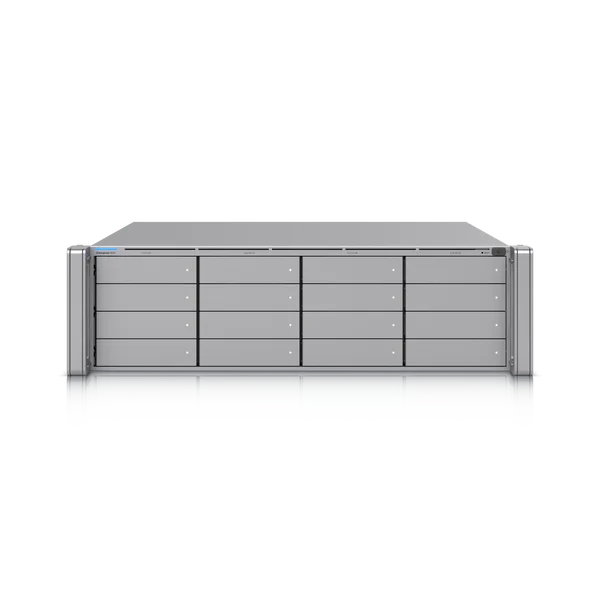
For recording and video context in integrated deployments. We check supported applications, cameras and storage capacity.

For recording and video context in integrated deployments. We check supported applications, cameras and storage capacity.

For recording and video context in integrated deployments. We check supported applications, cameras and storage capacity.

For recording and video context in integrated deployments. We check supported applications, cameras and storage capacity.
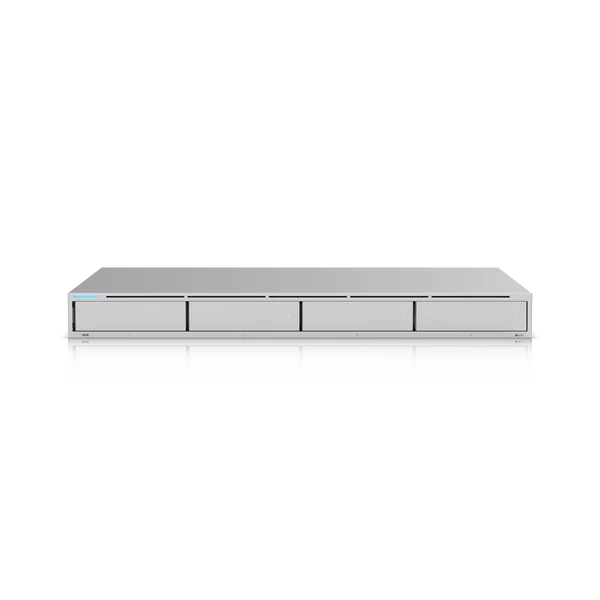
For recording and video context in integrated deployments. We check supported applications, cameras and storage capacity.
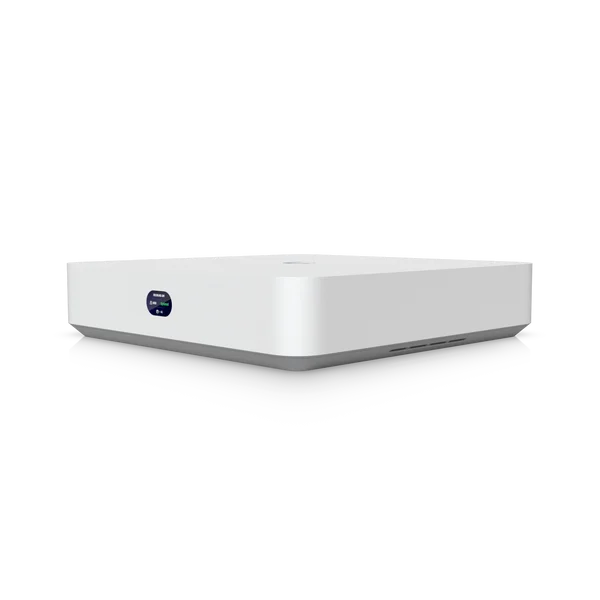
For recording and video context in integrated deployments. We check supported applications, cameras and storage capacity.

For presenting credentials and authorising entry at defined access points. We check supported methods and hub connections.

For presenting credentials and authorising entry at defined access points. We check supported methods and hub connections.

For presenting credentials and authorising entry at defined access points. We check supported methods and hub connections.

For presenting credentials and authorising entry at defined access points. We check supported methods and hub connections.
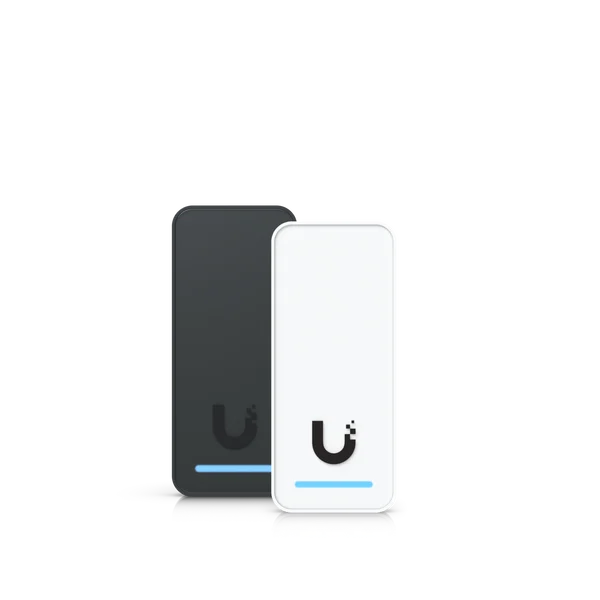
For presenting credentials and authorising entry at defined access points. We check supported methods and hub connections.
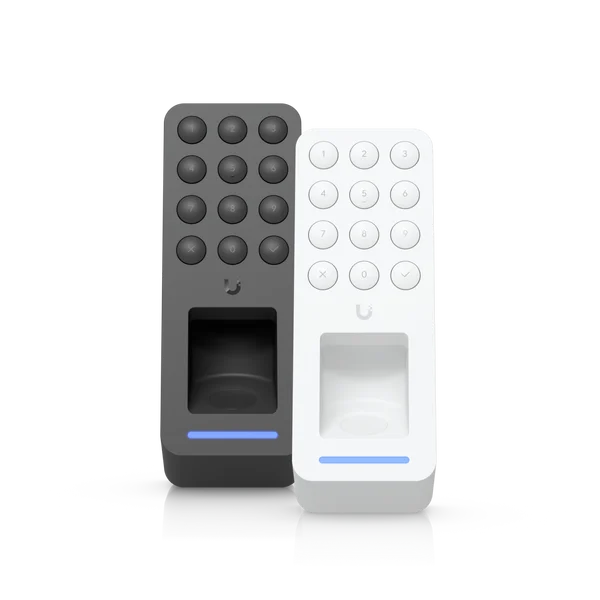
For presenting credentials and authorising entry at defined access points. We check supported methods and hub connections.

For receiving visitors and supporting authorised entry. We configure recipients and access control integration.

For connecting readers, locks and control interfaces. We size door counts, inputs, outputs and power.

For connecting readers, locks and control interfaces. We size door counts, inputs, outputs and power.

For connecting readers, locks and control interfaces. We size door counts, inputs, outputs and power.

For connecting readers, locks and control interfaces. We size door counts, inputs, outputs and power.

For connecting readers, locks and control interfaces. We size door counts, inputs, outputs and power.
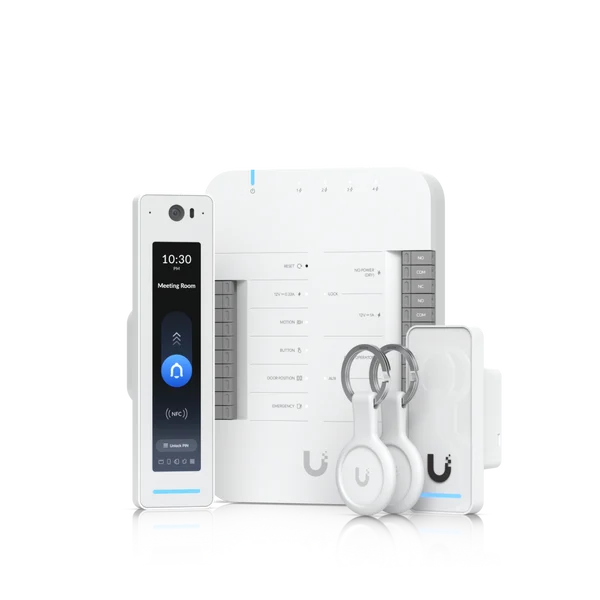
An equipment bundle to start an installation. We check contents and suitability for the door, gate or lift.
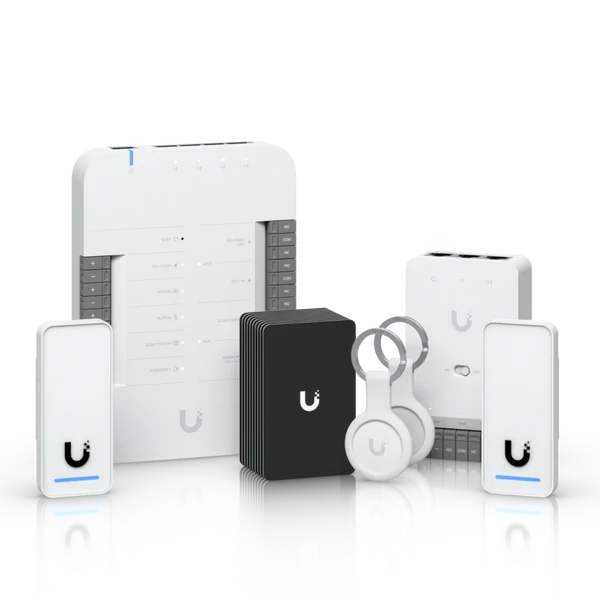
An equipment bundle to start an installation. We check contents and suitability for the door, gate or lift.

An equipment bundle to start an installation. We check contents and suitability for the door, gate or lift.

An equipment bundle to start an installation. We check contents and suitability for the door, gate or lift.
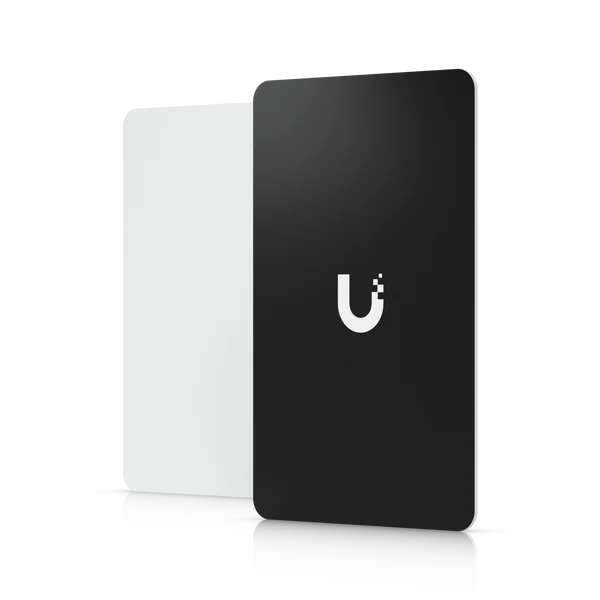
For mounting, power and access mechanisms. We confirm compatibility with the door and equipment.
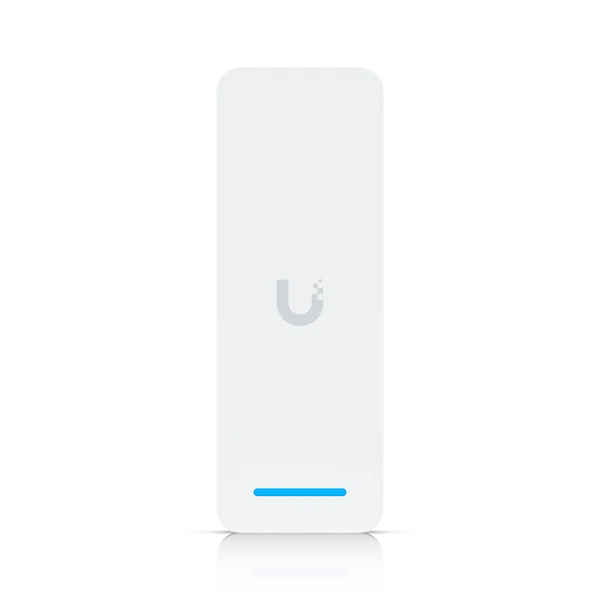
For connecting readers, locks and control interfaces. We size door counts, inputs, outputs and power.

For receiving visitors and supporting authorised entry. We configure recipients and access control integration.

For mounting, power and access mechanisms. We confirm compatibility with the door and equipment.

For mounting, power and access mechanisms. We confirm compatibility with the door and equipment.

For mounting, power and access mechanisms. We confirm compatibility with the door and equipment.

For mounting, power and access mechanisms. We confirm compatibility with the door and equipment.
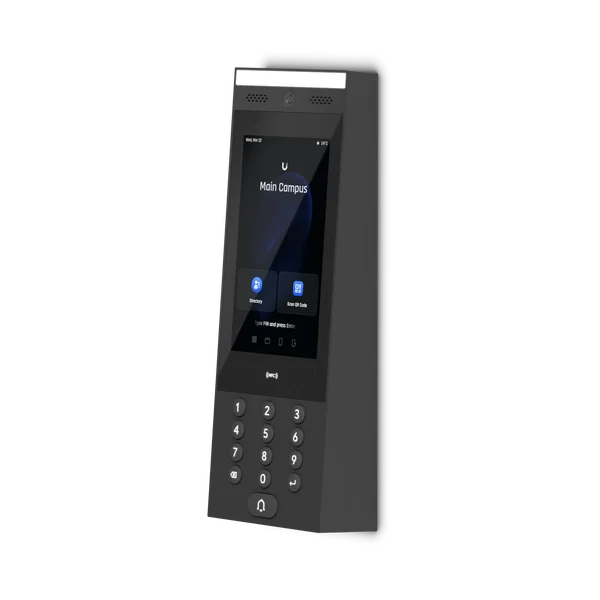
For mounting, power and access mechanisms. We confirm compatibility with the door and equipment.

For mounting, power and access mechanisms. We confirm compatibility with the door and equipment.

For mounting, power and access mechanisms. We confirm compatibility with the door and equipment.
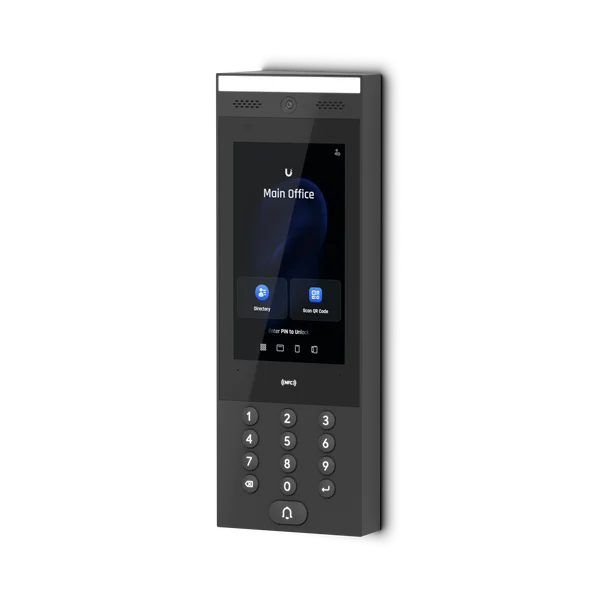
For mounting, power and access mechanisms. We confirm compatibility with the door and equipment.
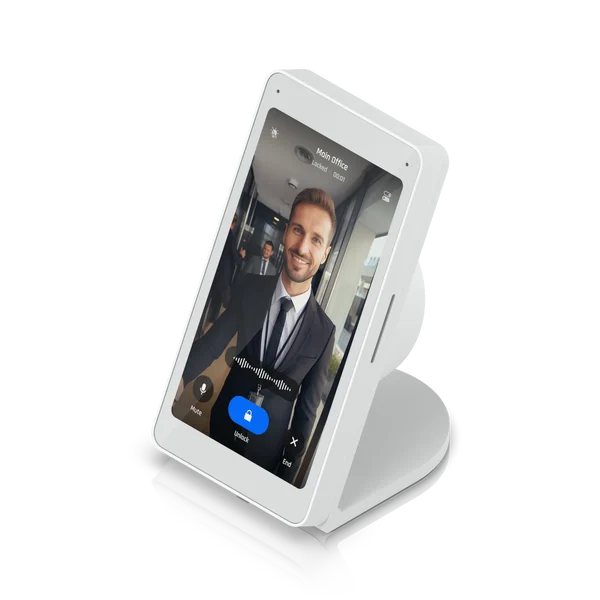
For mounting, power and access mechanisms. We confirm compatibility with the door and equipment.

For mounting, power and access mechanisms. We confirm compatibility with the door and equipment.

For mounting, power and access mechanisms. We confirm compatibility with the door and equipment.

For mounting, power and access mechanisms. We confirm compatibility with the door and equipment.

For mounting, power and access mechanisms. We confirm compatibility with the door and equipment.
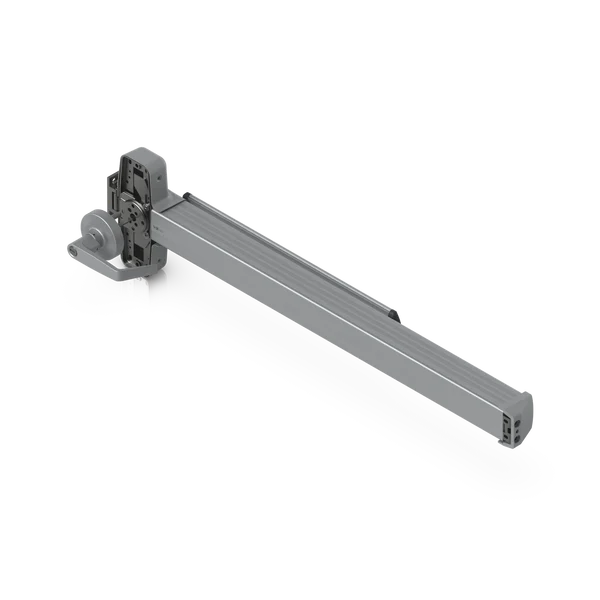
For mounting, power and access mechanisms. We confirm compatibility with the door and equipment.

For mounting, power and access mechanisms. We confirm compatibility with the door and equipment.

For mounting, power and access mechanisms. We confirm compatibility with the door and equipment.
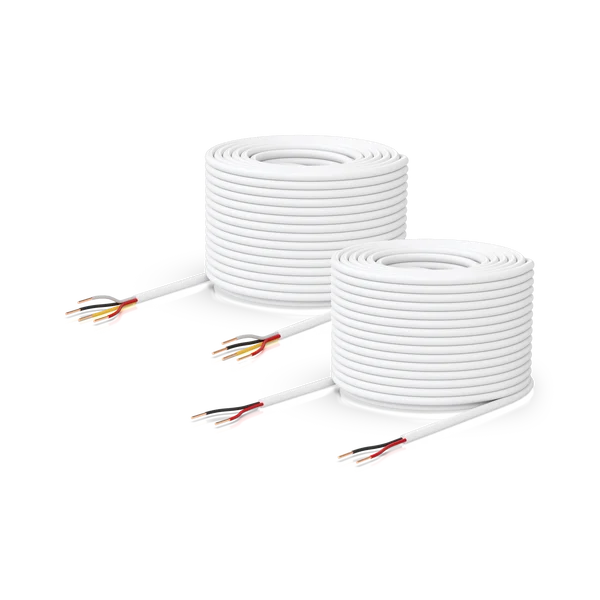
For mounting, power and access mechanisms. We confirm compatibility with the door and equipment.

For mounting, power and access mechanisms. We confirm compatibility with the door and equipment.
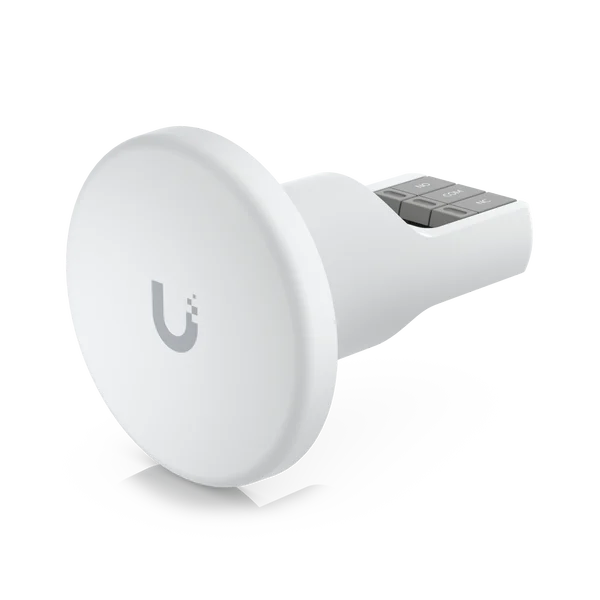
For mounting, power and access mechanisms. We confirm compatibility with the door and equipment.
Selection considers doors and travel directions, readers, locks, cabling, PoE, backup power and integrations. NVR references provide recording and video context in compatible installations.
Assess doors, locks, cabling and movement patterns. Define entry and exit methods and failure behaviour.
Install hubs and readers, connect interfaces and configure groups, schedules and credentials. Validate planned integrations.
Management or co-management with the internal team, permission reviews and technical assistance within the agreed service.
Test permitted and denied access, exit, failures and recovery. Provide documentation and train the responsible team.
Not always. We assess lock type, power, interfaces, cabling and exit arrangements. Reuse depends on electrical and functional compatibility with the hub and suitability for the door.
Yes, with compatible methods and equipment. Touch Pass supports Apple Wallet and Google Wallet credentials; support varies by device, reader and version. We validate requirements and credential provisioning before activation.
Credentials already synchronised to the hub can continue to allow entry while the hub, reader and lock remain powered and operational. Remote management and changes may be unavailable. We test the specific deployment scenario.
The outcome depends on the lock, backup power and installed exit mechanisms. We define this behaviour during design and test recovery and manual release with those responsible for the building.
Yes. We configure permissions and time periods for teams, visitors and contractors using supported features. Assignment and revocation should follow a clear process.
Yes, subject to assessment of hubs, interfaces and existing equipment. Integration with gate automation and lifts is coordinated with the relevant technical teams.
The architecture depends on the model: many readers connect to the control hub, while some devices include an integrated hub. We follow each device’s connection and power requirements.
Yes, in deployments and devices compatible with UniFi Access and Protect. We assess cameras, console, storage, permissions and retention to provide video context to authorised users.
Tell us how many doors you want to control, who uses them and what is already installed. We help define equipment, permissions and an implementation plan.
Product images and videos: Ubiquiti / UniFi. Content and service context: Cyberprotech.