Backup internet
Configure mobile failover and test the return to the primary connection.

UniFi Mobile Routing · Cyberprotech
Connect sites without a fixed line or add a mobile backup connection. We plan coverage, carrier selection and failover for the services that need to stay connected.
Select 5G modems and LTE routers according to coverage, environment and integration with the existing network.
Configure mobile failover and test the return to the primary connection.
Validate SIM, data plan, bands and coverage at the location.
Choose the form factor and mounting position for a suitable signal.
Define the management method by family: UniFi Network or Mobility Manager.
Speed depends on coverage, carrier, congestion and equipment. Switching connections may interrupt sessions; we test essential services.
Official UniFi information ↗FEATURE HIGHLIGHTS
UniFi Mobile Routing
Mobility Manager centralises management of compatible mobile routers.
UniFi Mobile Routing
VPN and routing on compatible models provide access to team services.
UniFi Mobile Routing
Physical SIM and eSIM on supported models provide carrier options.
UniFi Mobile Routing
5G Max Outdoor is designed for outdoor installations with directional antennas.
UniFi Mobile Routing
PoE power on compatible models makes positioning easier.
UniFi Mobile Routing
Failover rules and traffic management matched to organisational priorities.
5G modems integrated with UniFi Network have different management requirements from UMR routers.
Images and demonstrations: Ubiquiti. Features depend on model and configuration. View at Ubiquiti ↗
We validate the model, carrier and potential CGNAT limitations.
Images and demonstrations: Ubiquiti. Features depend on model and configuration. View at Ubiquiti ↗
SIM formats and combinations vary between models.
Images and demonstrations: Ubiquiti. Features depend on model and configuration. View at Ubiquiti ↗
Mounting considers orientation, cabling and environmental conditions.
Images and demonstrations: Ubiquiti. Features depend on model and configuration. View at Ubiquiti ↗
We confirm the switch, PoE budget and adoption requirements.
Images and demonstrations: Ubiquiti. Features depend on model and configuration. View at Ubiquiti ↗
Features depend on gateway, modem and UniFi Network version; we confirm and test the installed configuration.
Images and demonstrations: Ubiquiti. Features depend on model and configuration. View at Ubiquiti ↗
Seven models confirmed in the European store for Portugal. We distinguish 5G modems, LTE routers and LTE backup equipment.

5G modem for integration into UniFi infrastructure, with SIM and eSIM options.
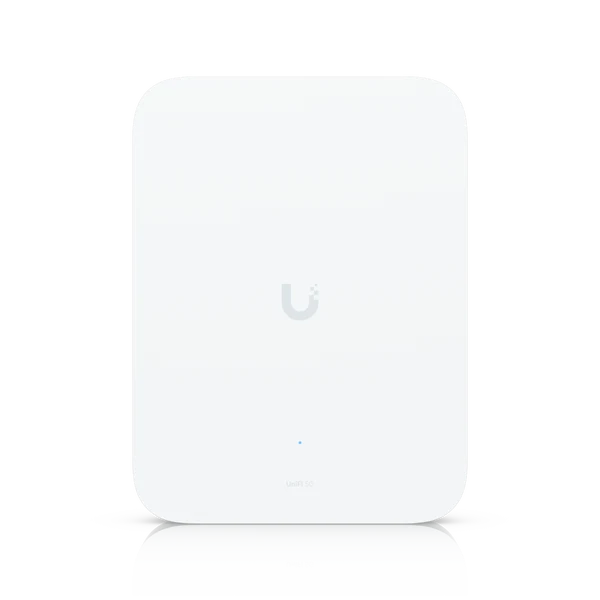
Outdoor 5G modem with directional antennas and SIM redundancy options.
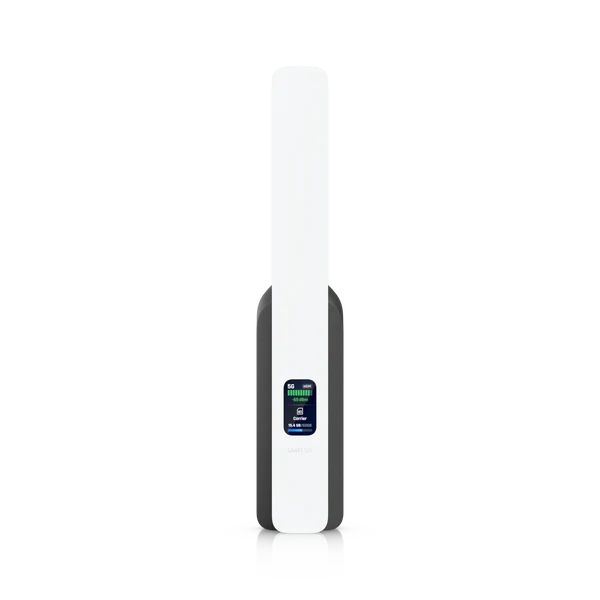
Compact 5G RedCap system for mobile backup connectivity.
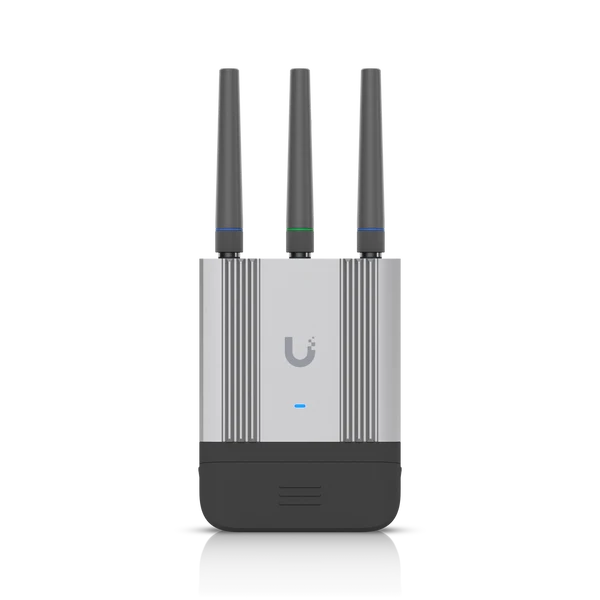
Rugged LTE router for IoT projects and indoor or outdoor installations.

Compact LTE router with wired WAN and WiFi for IoT applications.

LTE mobile WiFi router for indoor connectivity.

LTE backup connectivity for UniFi gateways, using your chosen carrier’s SIM.
Speed depends on coverage, carrier, congestion and equipment. Switching connections may interrupt sessions; we test essential services.
Assess signal, traffic, essential services and carrier options.
Choose modem or router, position, power and network integration.
Test primary link loss, backup activation and recovery.
Monitor data usage, events and changes in coverage.
No. Categories distinguish 5G, LTE routers and LTE backup. We select technology based on coverage and project requirements.
It is a reduced-capability form of 5G compared with full-performance 5G modems. UniFi 5G Backup is intended for backup use and is not equivalent to 5G Max.
We validate the European variant, bands, SIM or eSIM and plan requirements. Compatibility and service are confirmed with the carrier.
Sessions, calls or VPN tunnels may be interrupted when the outgoing address changes. We test behaviour and recovery times for priority services.
It depends on the family. UniFi integration modems and mobile routers use different architectures. We confirm gateway, application and version requirements for each model.
We assess coverage, stability, plan limits and remote access needs. Feasibility is checked on site with the intended equipment and carrier.
Tell us about the space and how it will be used. We will help define equipment, installation and support.
Images and demonstrations: Ubiquiti. Features depend on model and configuration.