Coverage and capacity
Review spaces, usage and device density. Plan access point quantities and positions, then validate the results on site.

UniFi WiFi · Cyberprotech
Connect teams, visitors and devices with a wireless network sized for real-world use. From coverage assessment to installation and daily management, we support each connection.
Walls, materials, interference and concurrent users affect WiFi. We plan access point placement, capacity and network connections around the requirements of each space.
Review spaces, usage and device density. Plan access point quantities and positions, then validate the results on site.
Plan bands, channels, widths and transmit power. Use radio analysis and the tools available on each model to adapt the network to its environment.
Separate networks for staff, guests and IoT, coordinated with VLANs and firewall policies. Authentication methods selected for devices and organisational policies.
Configure coverage and roaming features to support mobility. Test calls and important applications on the devices actually used.
Assess WiFi 6, 6E or 7, client capabilities and uplinks. Features such as MLO and 6 GHz depend on model, software, client devices and regional conditions.
Monitor access points, clients, interference and alerts in UniFi Network. Schedule adjustments and updates to support network performance.
Actual coverage and performance depend on the site, interference, client devices, cabling and internet connection. Available features and bands vary by model, software and region.
Official UniFi information ↗FEATURE HIGHLIGHTS
Artificial intelligence · UniFi Channel AI
Channel AI analyses the radio environment and proposes a channel plan for your access points. We help turn that analysis into adjustments suited to your space and operation.
Explore Channel AI ↗UniFi WiFi
Coverage and channel visualization help explain the deployment. We combine that information with site surveys and on-site measurements.
UniFi WiFi
We adjust channels, widths and transmit power per band to match devices, usage density and regional limits.
UniFi WiFi
Multi-Link Operation combines links on compatible WiFi 7 devices. We check client support and available bands.
UniFi WiFi
Give visitors internet access while keeping payment terminals, cameras and staff systems on separate networks. We configure firewall policies and validate the required isolation.
UniFi WiFi
On access points with a dedicated spectral analysis radio, environmental monitoring helps identify interference and guide adjustments.
Channel AI adjusts channel selection; channel width and transmit power remain unchanged.
We validate the features available in the installed version and monitor the results.
Official Ubiquiti demonstration · UniFi Network 9.5. View at Ubiquiti ↗
Visualization supports access point and channel planning. Actual coverage conditions are confirmed through on-site measurements.
Official Ubiquiti demonstration · Coverage. View at Ubiquiti ↗
Channel, width and power settings are defined per band and deployment, respecting regional limits and client compatibility.
Official Ubiquiti demonstration · Radio controls. View at Ubiquiti ↗
MLO requires support on both the access point and client device. Available bands and modes depend on hardware and firmware.
Official Ubiquiti demonstration · WiFi 7 · MLO. View at Ubiquiti ↗
Guest networks need their own isolation and access rules. We also validate the services that must remain accessible.
Official Ubiquiti demonstration · Guest WiFi, Safely Separated. View at Ubiquiti ↗
Dedicated spectral analysis is available only on compatible models. Results help distinguish interference sources and guide diagnostics.
Official Ubiquiti demonstration · Spectral analysis. View at Ubiquiti ↗
Explore UniFi families for indoor, wall, outdoor and high-density use. Bridges, adapters and specialist routers are also included and identified on their cards.

A solution with an integrated gateway and WiFi, sized for the space and planned expansion.

For demanding installations, with capacity and continuity planned around users and applications.

For venues with high device density, where capacity and user distribution guide the design.

For demanding installations, with capacity and continuity planned around users and applications.

For indoor coverage in workspaces and shared areas, with channel and capacity planning.

For indoor coverage in workspaces and shared areas, with channel and capacity planning.

For indoor coverage in workspaces and shared areas, with channel and capacity planning.

For indoor coverage in workspaces and shared areas, with channel and capacity planning.

For indoor coverage in workspaces and shared areas, with channel and capacity planning.

For indoor coverage in workspaces and shared areas, with channel and capacity planning.

For coverage close to rooms, offices and indoor spaces, with careful installation planning.

For coverage close to rooms, offices and indoor spaces, with careful installation planning.
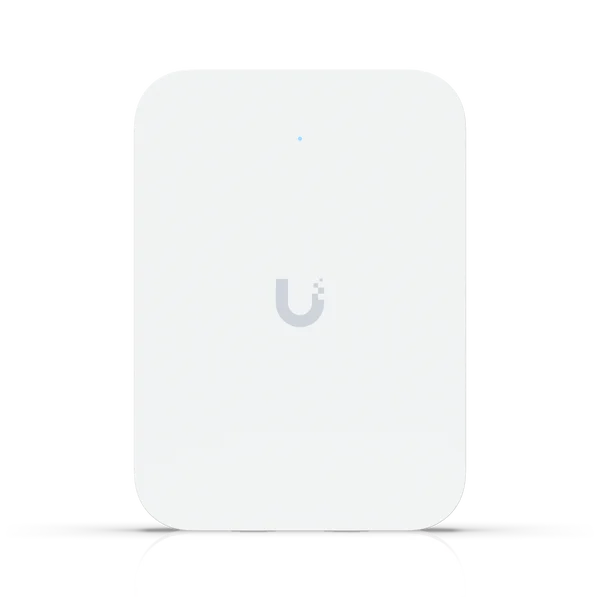
For coverage close to rooms, offices and indoor spaces, with careful installation planning.
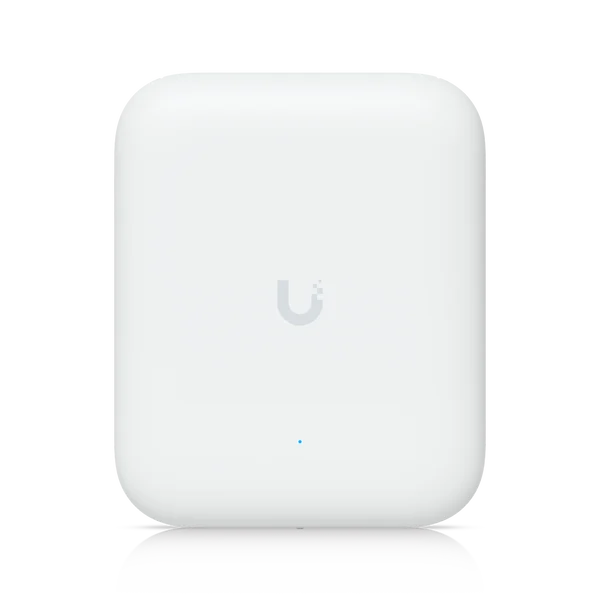
For outdoor areas or sites with specific environmental requirements. We check exposure, mounting and coverage.
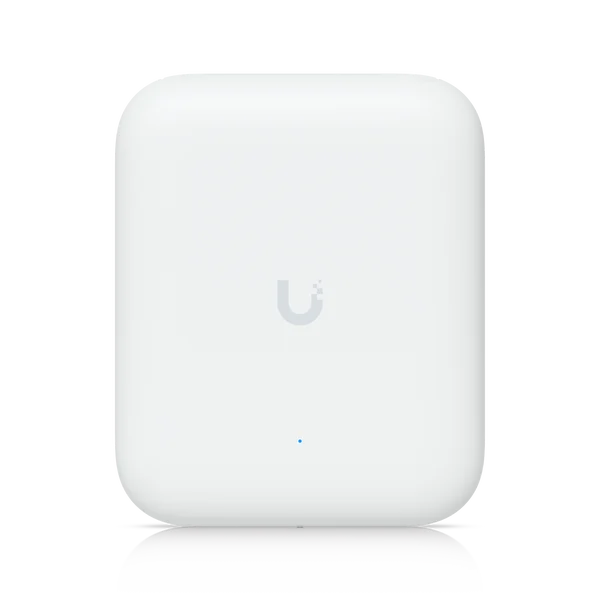
For outdoor areas or sites with specific environmental requirements. We check exposure, mounting and coverage.

For outdoor areas or sites with specific environmental requirements. We check exposure, mounting and coverage.

For outdoor areas or sites with specific environmental requirements. We check exposure, mounting and coverage.

For indoor coverage in workspaces and shared areas, with channel and capacity planning.
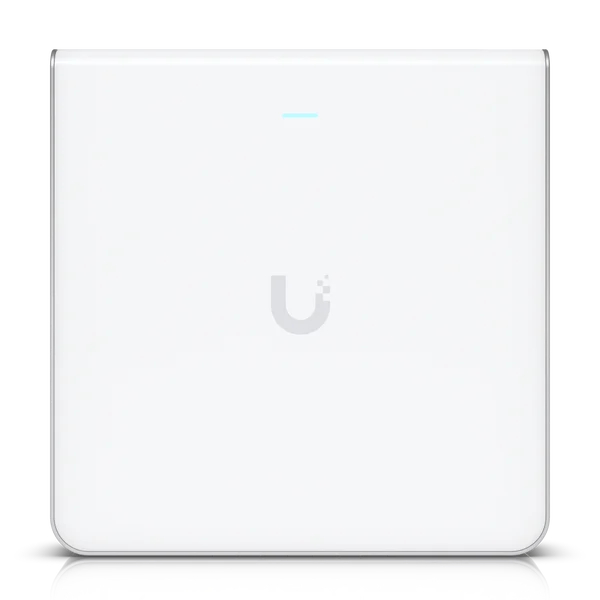
For coverage close to rooms, offices and indoor spaces, with careful installation planning.

For indoor coverage in workspaces and shared areas, with channel and capacity planning.

For indoor coverage in workspaces and shared areas, with channel and capacity planning.

For outdoor areas or sites with specific environmental requirements. We check exposure, mounting and coverage.

For outdoor areas or sites with specific environmental requirements. We check exposure, mounting and coverage.

For coverage close to rooms, offices and indoor spaces, with careful installation planning.

For outdoor areas or sites with specific environmental requirements. We check exposure, mounting and coverage.
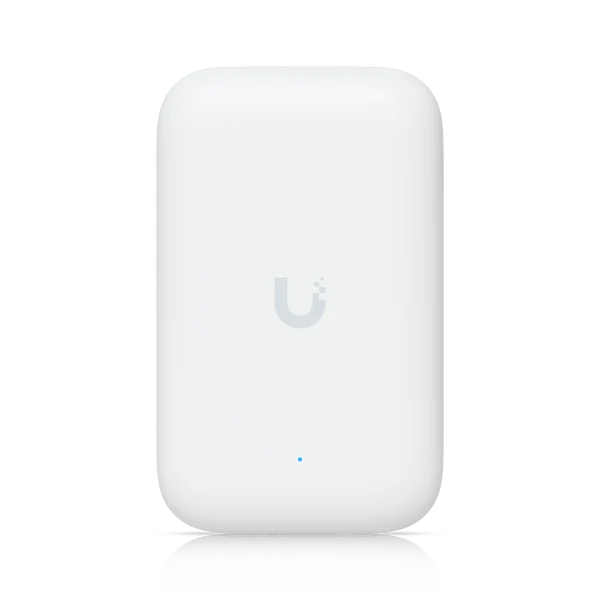
For outdoor areas or sites with specific environmental requirements. We check exposure, mounting and coverage.
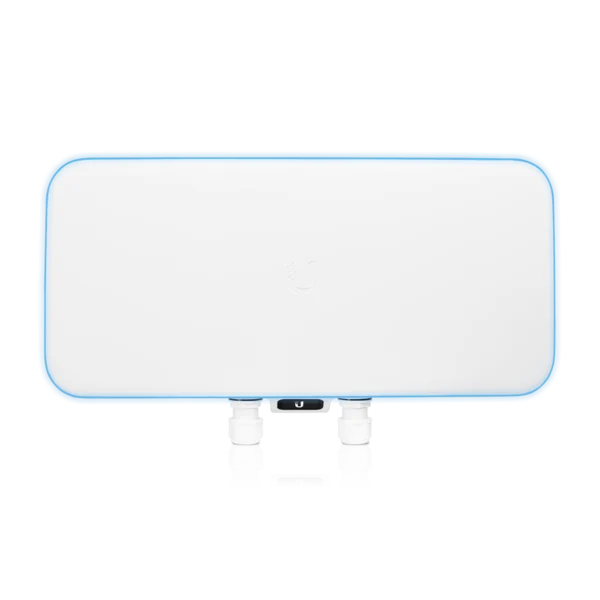
For venues with high device density, where capacity and user distribution guide the design.

For coverage close to rooms, offices and indoor spaces, with careful installation planning.

For indoor coverage in workspaces and shared areas, with channel and capacity planning.

For connecting devices or locations over a dedicated wireless link. We assess the radio path and compatibility.

For connecting devices or locations over a dedicated wireless link. We assess the radio path and compatibility.
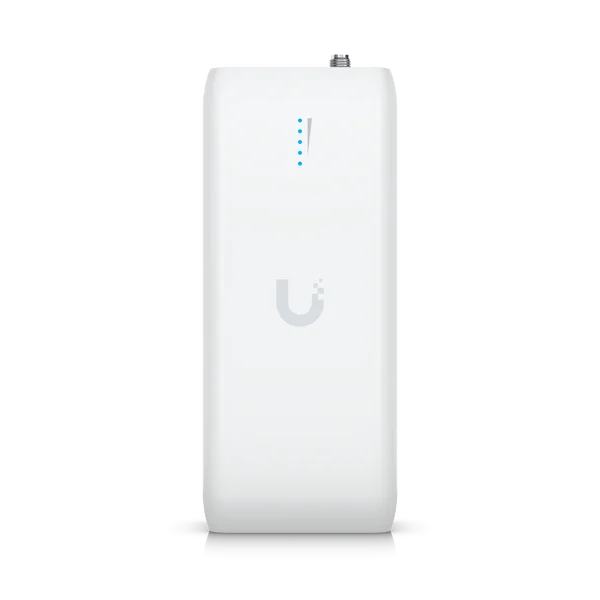
For connecting devices or locations over a dedicated wireless link. We assess the radio path and compatibility.

For connecting devices or locations over a dedicated wireless link. We assess the radio path and compatibility.

For connecting devices or locations over a dedicated wireless link. We assess the radio path and compatibility.

For connecting devices or locations over a dedicated wireless link. We assess the radio path and compatibility.

For connecting devices or locations over a dedicated wireless link. We assess the radio path and compatibility.

For specialised connectivity and mobility needs, with integration and configuration suited to the use case.

For specialised connectivity and mobility needs, with integration and configuration suited to the use case.

For specialised connectivity and mobility needs, with integration and configuration suited to the use case.
We select equipment around floor area, materials, concurrent users, applications, mounting, PoE power and uplinks. We confirm compatibility, permitted bands and availability in Portugal.
Gather floor plans, requirements, obstacles and device information. Assess coverage and capacity, specifying access points, cabling and power.
Mount and adopt equipment, configure SSIDs, VLANs and authentication. Adjust channels and power, then test coverage, mobility and applications on site.
Management or co-management with your team, alert review, adjustments and technical assistance. Support hours, channels and response times agreed in the service.
Document devices and configurations, transfer knowledge and review performance when spaces, users or applications change.
It depends on floor area, materials, obstacles, device counts and concurrent applications. Manufacturer coverage figures are a reference; we confirm sizing through a site assessment and validation.
We favour wired connections where possible for capacity and predictability. Mesh can help where cabling is difficult, but relies on a good radio link between points and shares wireless resources. Each path needs assessment.
The choice depends on devices and applications. WiFi 7 can add capacity and features, but not every model includes 6 GHz and clients must support the required features. We also check the conditions applicable in Portugal.
Yes. We configure networks, VLANs and access policies to separate guests, staff and IoT. Separation must be consistent across access points, switches and the firewall; a different network name alone is not enough.
Moving between access points depends on coverage, settings and decisions made by the client device. We tune the network and test the devices and applications in use, without promising interruption-free operation in every situation.
Yes, using equipment and mounting suited to the environment. For links between buildings, we assess dedicated bridges, line of sight, distance, interference, power and installation protection. A bridge serves a different purpose from an access point for users.
It analyses the radio environment and recommends a channel plan for access points, helping address interference and congestion. You can review the plan before applying it. Scheduled optimisation, where available in the installed version, is configured around your operation. It does not change channel width or transmit power.
Where available, automatic channel planning and connectivity safeguards help manage interference and recover from certain changes or failures. We schedule these operations, check compatibility and assess the impact on devices and applications. They complement technical testing and monitoring.
Yes. We review the installation, administrative access, versions, coverage and configuration. We agree responsibilities and a management, update and support plan suited to your organisation.
Tell us how you use the network, where you experience difficulties and what you need to connect. We help plan, implement and support the solution.
Product images and video: Ubiquiti / UniFi. Content and service context: Cyberprotech.